
Plasma.
You installed the skills. Now see how they connect.
A local-first dashboard for exploring AI agent skills, understanding their relationships and checking possible overlap. Open-source beta.
How Plasma connects the dots
Separate skills.
One connected picture.
Bring the skills around your agents into view. Plasma reads the local library and gives you a map to explore.
Skills → Plasma → Map
01 Your skills
- deep-researchResearch
- first-principlesStrategy
- critical-thinking-partnerThinking
- ui-ux-pro-maxDesign
- gsap-coreMotion
- imagegenImages
- react-best-practicesDevelopment
- frontend-testing-debuggingTesting
- security-scanSecurity
Local instruction files

03 The connected map
See relationships. Inspect overlap.
Explore the library as a connected system.
Recorded dashboard walkthrough · Beta
A folder of skills.
A map of connections.
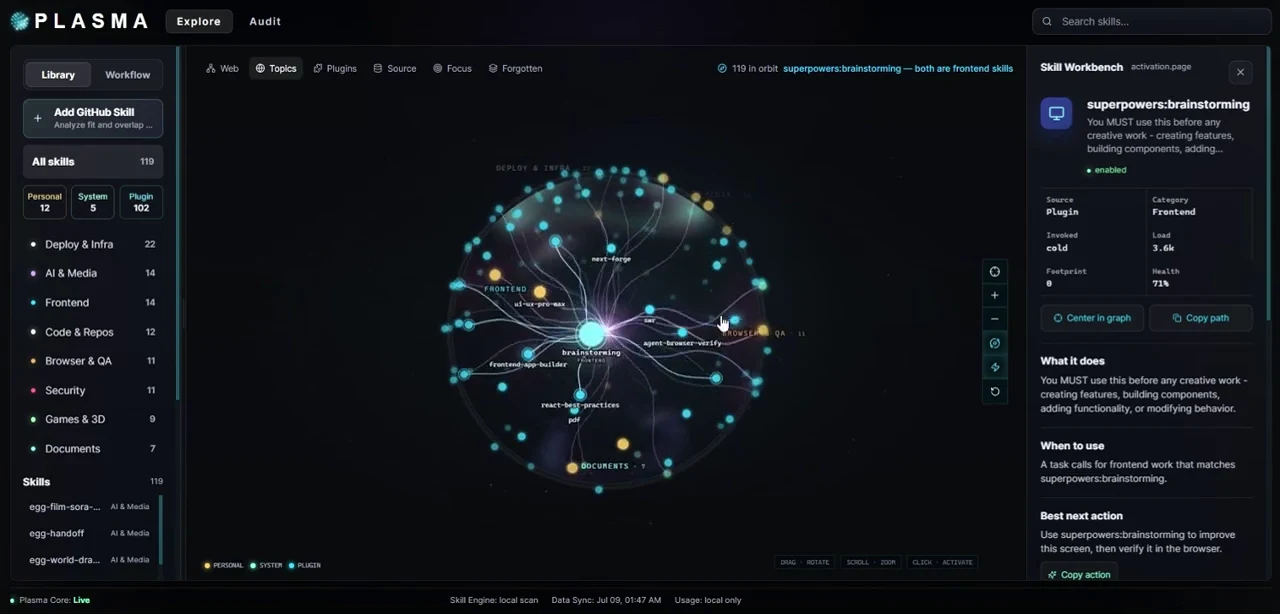
The graph and glass globe views give installed skills a spatial structure. Select a skill to read what it does, filter by category or source, or start with the task you want to do.
Inspect
the overlap.
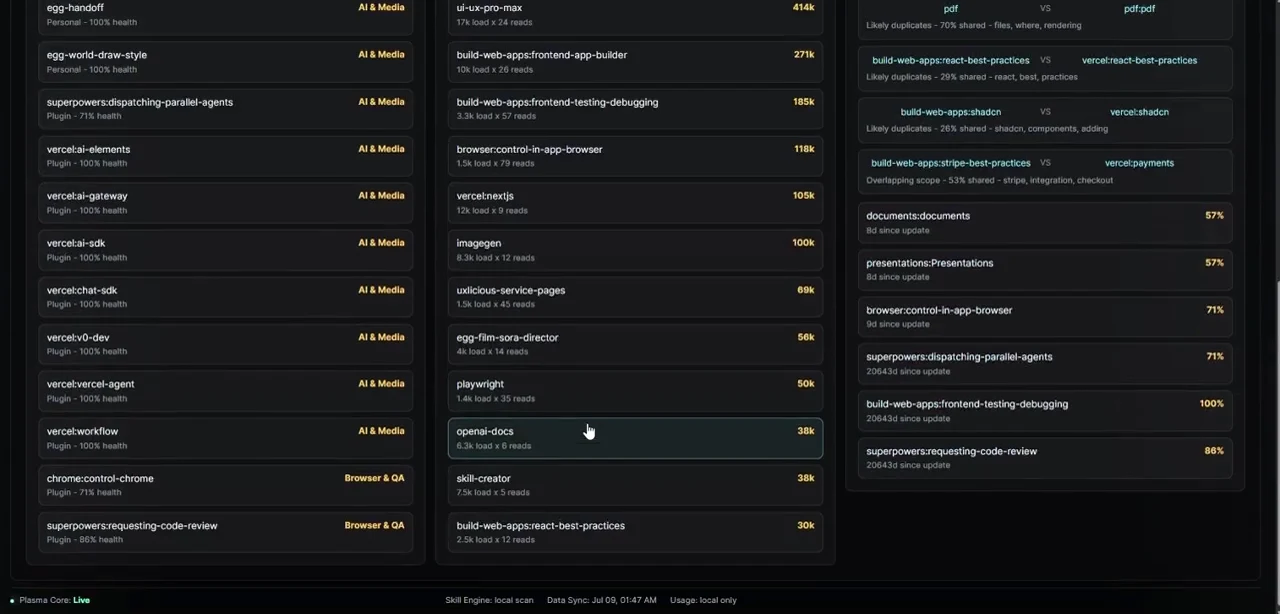
The audit brings overlap and duplicate signals into a list that can be inspected. Token footprint estimates show the size of local instruction files.
The beta also has a GitHub Skill Check: compare a repository or folder with the local library before choosing whether to install it.
Understand what is already installed before adding another skill.